
I always thought it would be fun to create my own open source libraries or applications and distribute them somehow. When I started writing my book, Creating TUI Applications with Textual and Python, I took the plunge and wrote a helper package called textual-cogs, which is a collection of reusable dialogs and widgets for Textual. Right now, it is mostly just dialogs, but I do hope to add some widgets to it as well.
Anyway, I have released two new dialogs in the past week, with one in v0.0.4 and the other in v0.0.5.
A Textual Directory Dialog
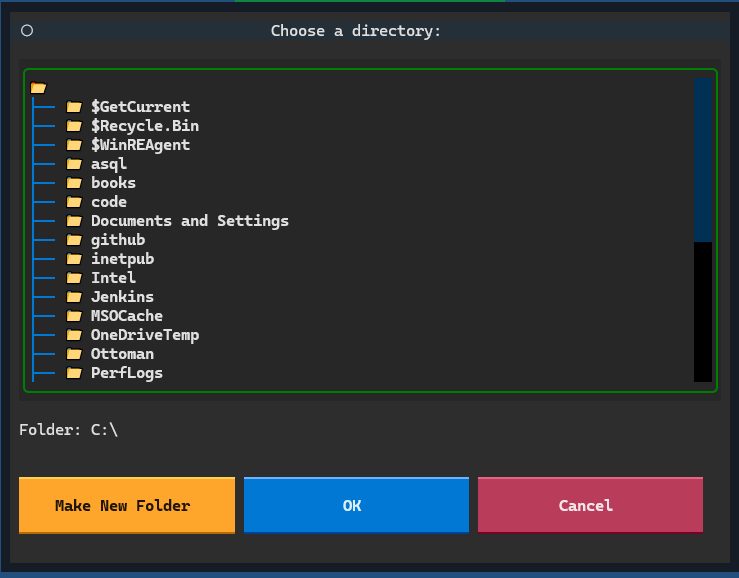
In v0.0.5, I added a directory dialog similar to wxPython’s wx.DirDialog. The dialog will display the user’s directories and allow the user to choose one. It will also allow the user to create a new folder.
Here’s a screenshot:
A Textual Open File Dialog
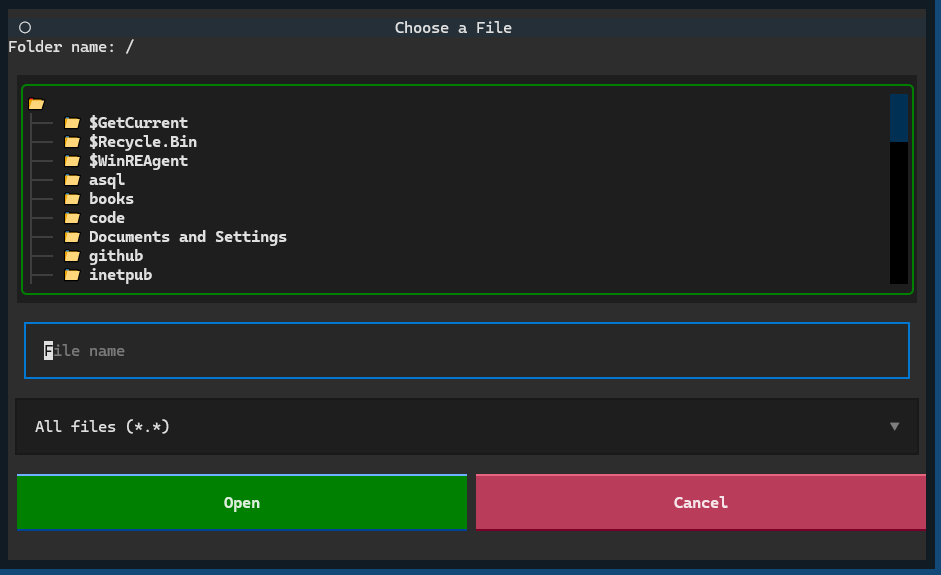
In v0.0.4, I also added an open file dialog. Textual cogs already has a save file dialog, and I had meant to include the open file dialog originally, but only recently got it added.
Here is what that looks like:
How to Install textual-cogs
You can install textual-cogs using pip or uv:
python -m pip install textual-cogs
Where to Get textual-cogs
You can find textual-cogs on the following websites: